Kuidas teha Nice Toona 7024 nutikas?
The Nice Toona 7024 is a highly popular and reliable garage door opener that has gained a strong reputation among customers. With its Nice brand origin, it offers exceptional performance and durability. The Nice Toona 7024 is known for its smooth and quiet operation, making it a preferred choice for homeowners.
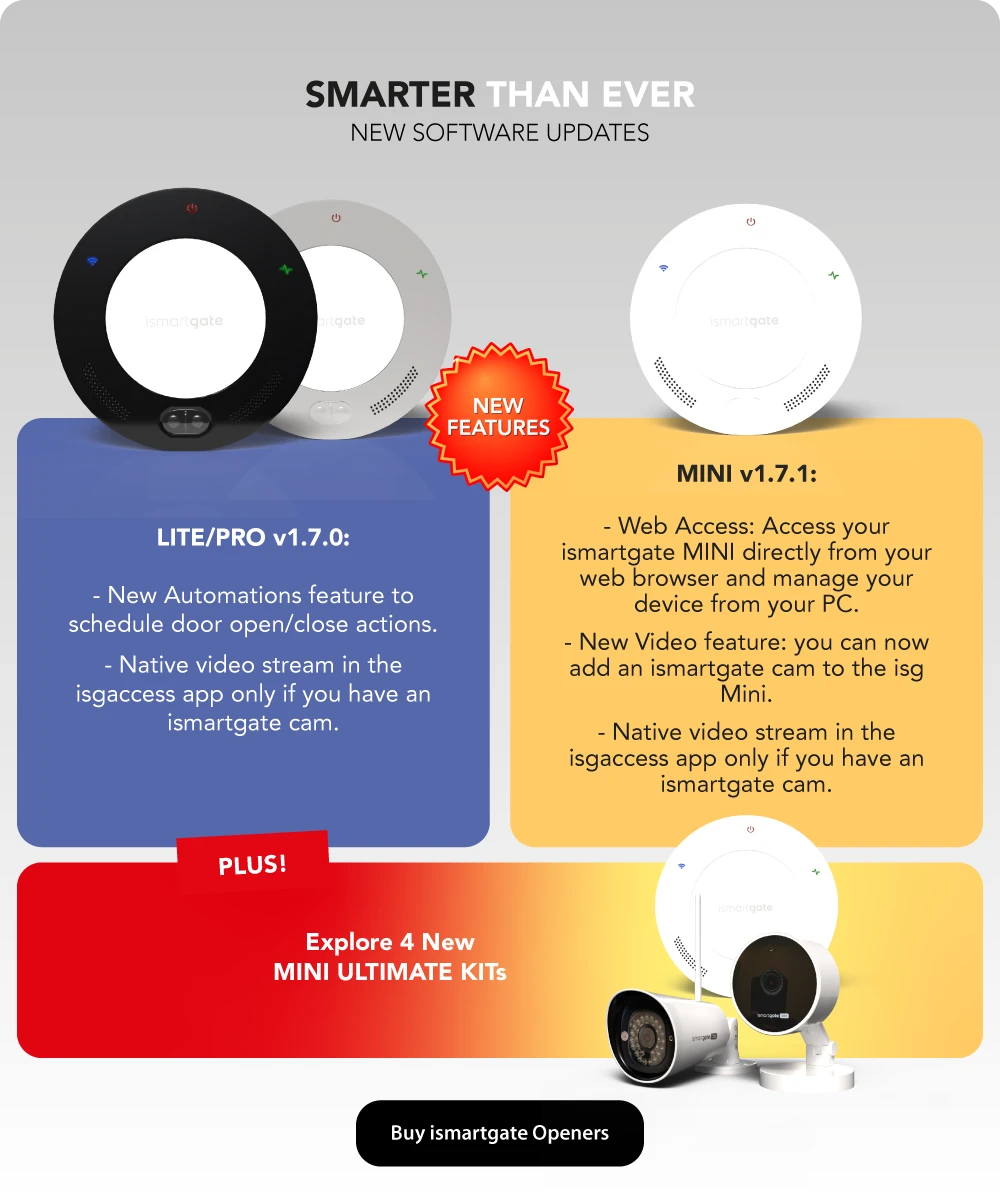
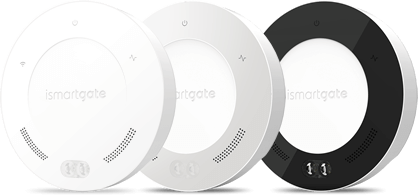
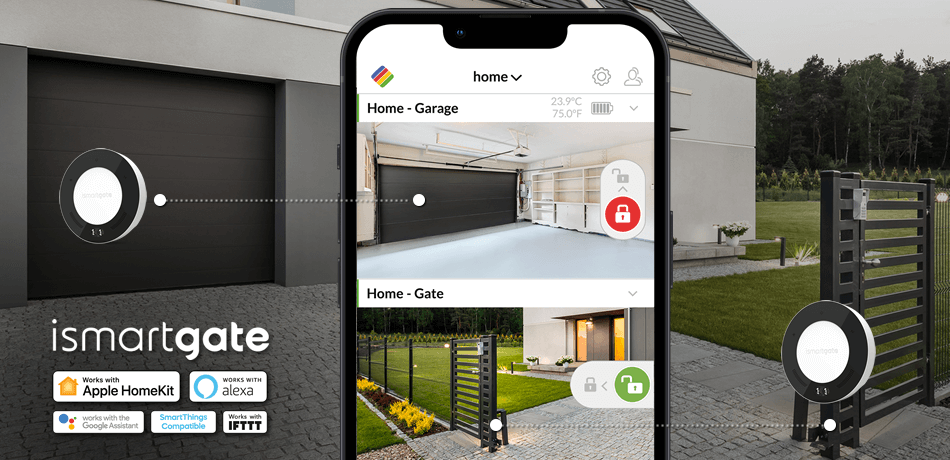
Now, you can take your Nice Toona 7024 to the next level of convenience and control by making it smart with the ismartgate. The ismartgate is a revolutionary device that allows you to connect your existing garage door opener to your smartphone or smart home system.
With the ismartgate, you can open and close your garage door remotely using your smartphone, no matter where you are. It provides you with real-time notifications, so you'll always know when your garage door is being operated. Additionally, the ismartgate offers advanced security features, such as activity logs and temporary access codes, giving you complete control over who can access your garage.
Installation of the ismartgate is quick and easy, and it is compatible with most garage door openers, including the Nice Toona 7024. By adding the ismartgate to your existing garage door opener, you can enjoy the convenience and peace of mind that comes with a smart home solution.
Mida saab ismartgate garaažiukse avamisseadmega teha?
How do I install an ismartgate smart garage opener to a Nice Toona 7024?
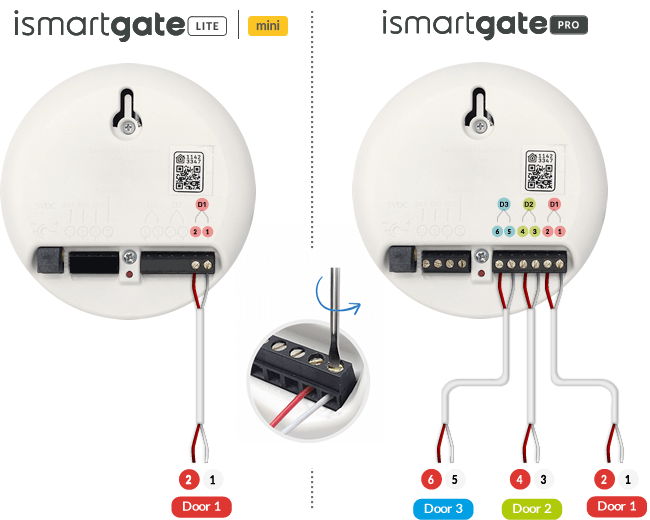
Nice Toona 7024 wiring diagram.
Osta parim Apple HomeKit nutikas garaaž
EI NÕUTA VARJATUD TASUSID EGA TÄIENDAVAT RIISTVARA.

Valige oma pood:






Võrdle ismartgate nutikaid garaažiukse avamisseadmeid
 |  |  |
|
| Toetatud uksed | 1 | 1 | 3 |
| Kaugjuurdepääsu- ja ukse olekuhoiatused |  | | |
| Apple HomeKit |  | | |
| Google assistent | | | |
| Samsung SmartThings | | | |
| IFTTT*** | | | |
| Amazon Alexa* | | | |
| Traadita andurite ühilduvus | | | |
| Juhtmega anduri ühilduvus | | | |
| Kasutajate haldamine | | | |
| Video integreerimine | | | |
| Visuaalne akustiline häire | | | |
| Avamine ja sulgemine kohandatud muusika | | | |
| Wi-Fi ühilduvus (2,4 GHz) | | | |
| Ethernet ühilduvus** | | | |
| Juurdepääs veebibrauserile | | | |
*Oskus "ismartgate" on saadaval järgmistes keeltes: (IT),saksa (DE),inglise (US),hispaania (ES),hispaania (US),prantsuse (FR),inglise (UK/IE)
**USB-lt Ethernetile adapter on vajalik iSmartgate'i ühendamiseks marsruuteriga Ethernet-kaabli abil.
***1. oktoobril 2025 iSmartGate'i integreerimine IFTTTga lõpetatakse. Pärast seda kuupäeva ei ole iSmartGate'i teenus IFTTTs enam saadaval. Vabandame võimalike ebamugavuste pärast, mida see võib teile põhjustada.
Millist ismartgate ma vajan?


Millist ismartgate ma vajan?
Proovige meie simulaatorit ja leidke oma koju sobiv ismartgate.


Kui palju Garaažiuksed kas teil on?
TÜÜP 1 TÜÜP:
Sektsiooniline
TÜÜP 2 TÜÜP:
Sektsiooniline
TÜÜP 3 TÜÜP:
Sektsiooniline
Anduri tüüp
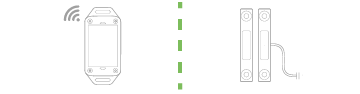
Kas soovite oma garaažiuksele traadita või juhtmega andurit/andureid?
Kas teie avamismehhanism on Chamberlain, Liftmaster või Craftsman?
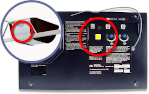
Kas teil on Chamberlain või LiftMaster garaažiukse avamisseadmed Security+2.0-ga?
Kontrollige oma garaaži avamisseadme õppenupu värvi. Kui see on KOLLANE, kasutab teie avamisseadis Security+2.0 ja te vajate lülitiadapterit ismartgate.
Eraldamine

Kas teie garaažiuksed on ühendatud?
Kui garaažis ei ole eraldusseinad peetakse "ühendatud"
Otsevideo

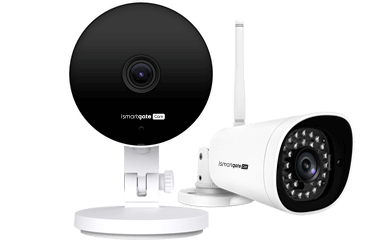
Tahad näha, mis toimub sinu garaažis reaalajas?
Kontrollida oma garaaži uksi rakenduses oleva live-video abil

Kui palju Väravad kas teil on?

TÜÜP 1 TÜÜP:
Liugvärav
TÜÜP 2 TÜÜP:
Liugvärav
TÜÜP 3 TÜÜP:
Liugvärav
Anduri tüüp
Kas soovite oma garaažiuksele traadita või juhtmega andurit/andureid?
Värava pistikupesa

Kas teil on värava lähedal 110V/220V pistikupesa?
Kui teil ei ole värava lähedal 110V/220V pistikupesa, vajate ismartgate avamisseadme toiteks DC/DC muundurit.
Eraldamine

Kas teie väravad on ühendatud?
Vähem kui 30 jalga loetakse "ühendatud".
Otsevideo
Kas soovite näha, mis toimub teie väravas reaalajas?
Kontrollige oma väravaid rakenduses oleva live-video abil.

Ma tahan, et ismartgate oleks ühilduv:






Kui teie kodu ei sobi nende võimalustega, saatke meile e-kiri aadressil support@ismartgate.com
LÕPPTULEMUS
Avamisseadmed Ühildub:




Teie valik 0x GARAGE UKSEDS:
Teie valik 0x GATES:
OSTA KÕIK KOHE: