
Шаг 1
Download the SD Card image:
Шаг 2
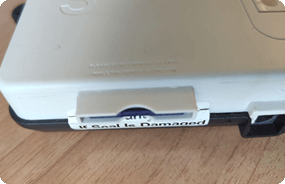
Unplug the power cable. Remove the SD Card from the Gogogate2. Push to release.
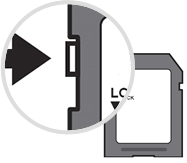
Insert it into the card slot on your PC. Make sure that the write protection is not enabled (see picture). Finally, format the SD Card.
Шаг 3
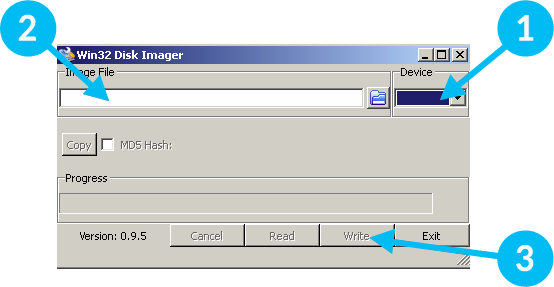
Download and run the “Win32 Disk Imager” software.
Шаг 4
1. Select SD card slot.
2. Select the downloaded IMG file.
3. Click Write.

Шаг 1
Download the SD Card image:
Шаг 2
Unplug the power cable. Remove the SD Card from the Gogogate2. Push to release.
Insert it into the card slot on your Mac. Make sure that the write protection is not enabled (see picture). Finally, format the SD Card.
Шаг 3
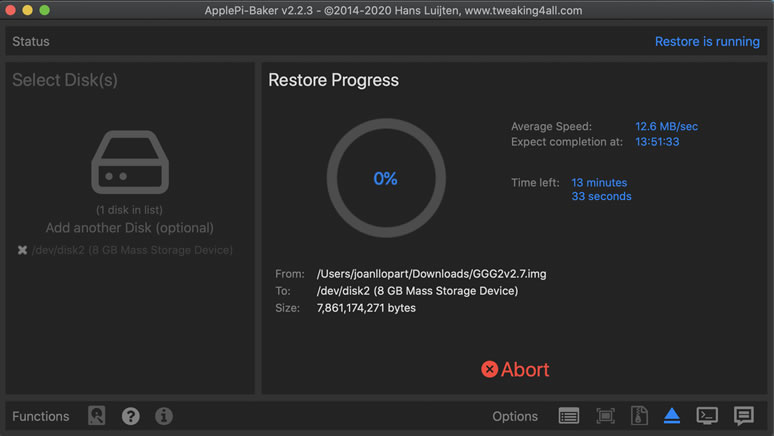
Download and run the Apple Pi Baker Software.
The "Admin Password" of your iMAC will be requested to write the SD Card.
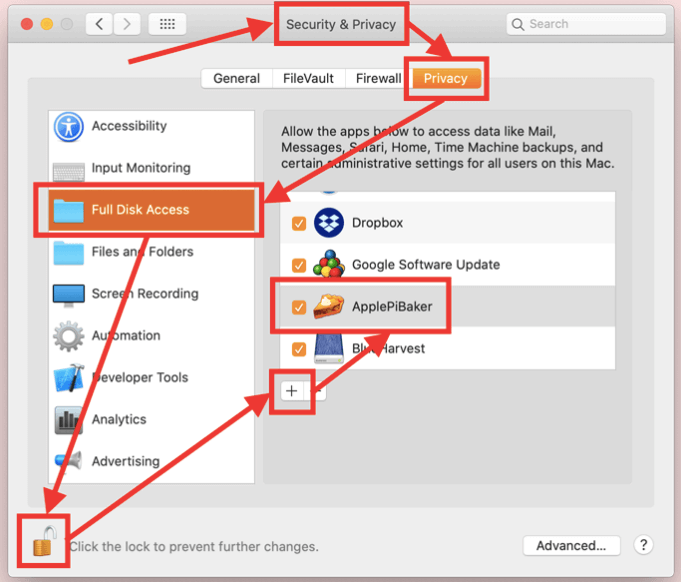
Шаг 4
1. Select SD Card slot.
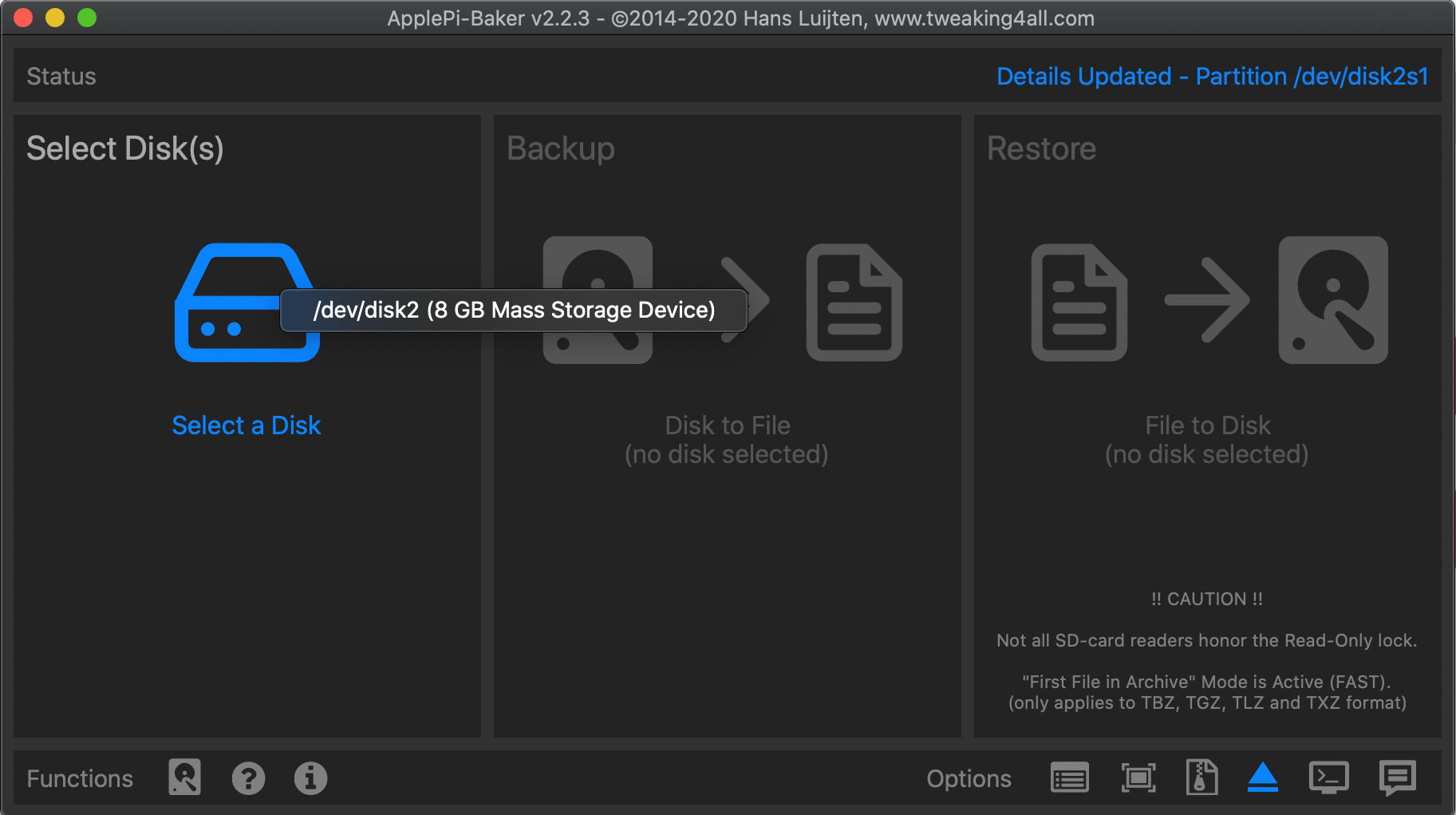
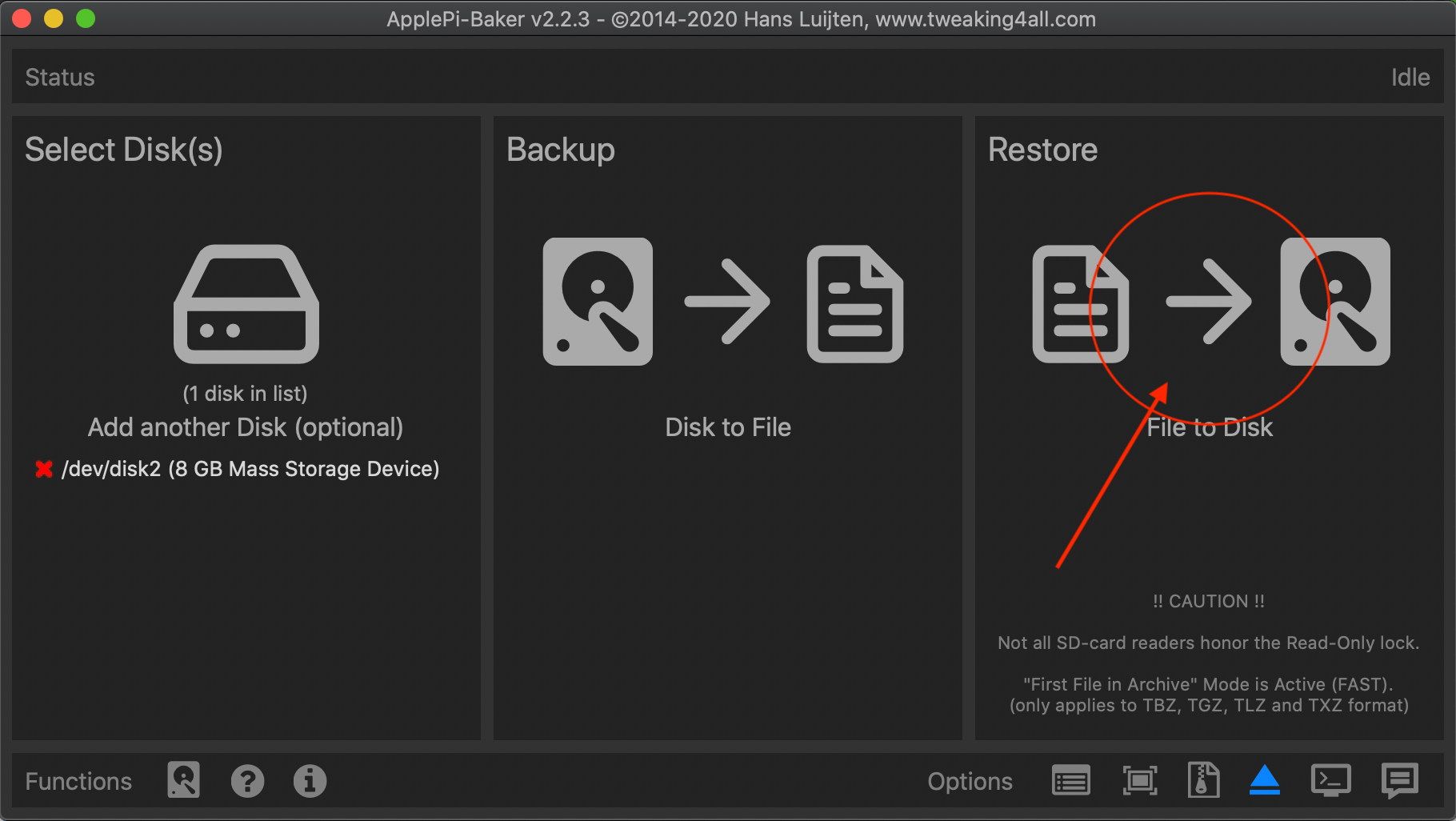
2. Select the downloaded IMG file.
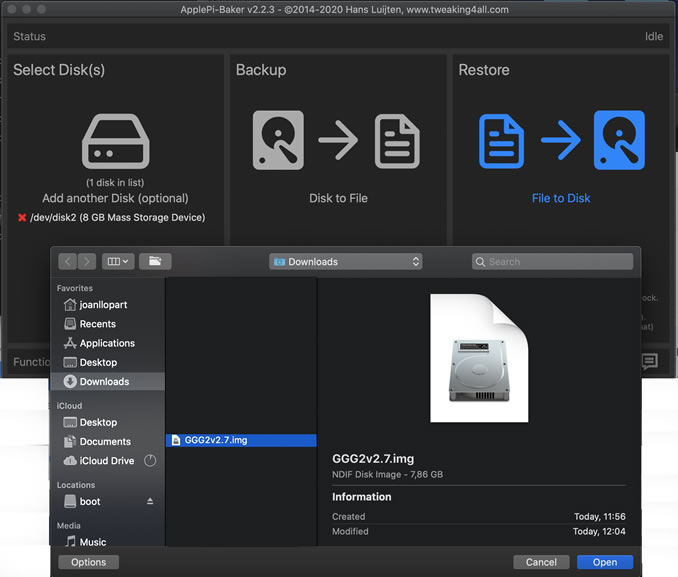
3. Click "Restore Backup" to write the image to the card.