

Включение камеры
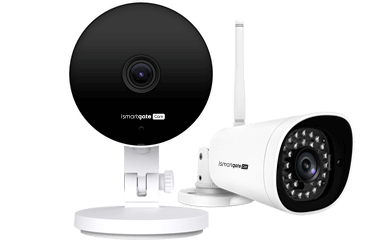
1. Turn on your ismartgate IP Camera using the provided power supply and USB cable (do NOT use the Ethernet - RJ45 cable)
2. Подождите некоторое время, пока камера не воспроизведет звук "Готовность к настройке WiFi", и синий индикатор начнет мигать.
3. Connect your Smartphone to the same WiFi network where you will connect the ismartgate IP Camera - a working internet connection is required.