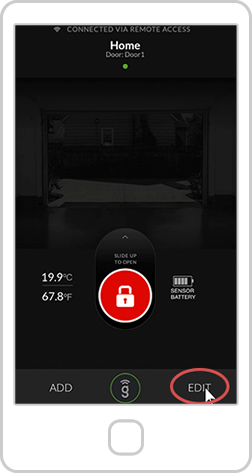
Open the Gogogate2 app on your Smartphone and press the “EDIT" кнопка.
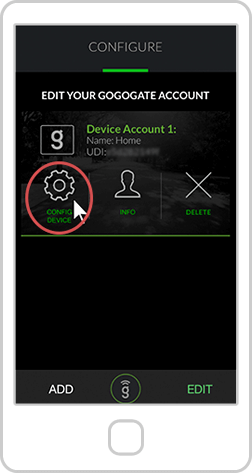
In the Edit Menu, select the Gogogate2 device you want to configure and hit the “CONFIG. DEVICE" кнопка.
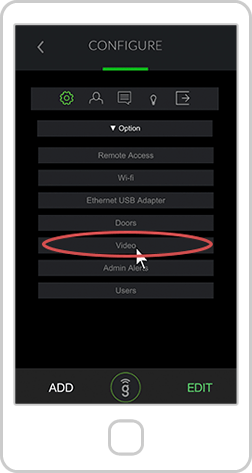
In the Settings menu, select the "Video" вариант.